
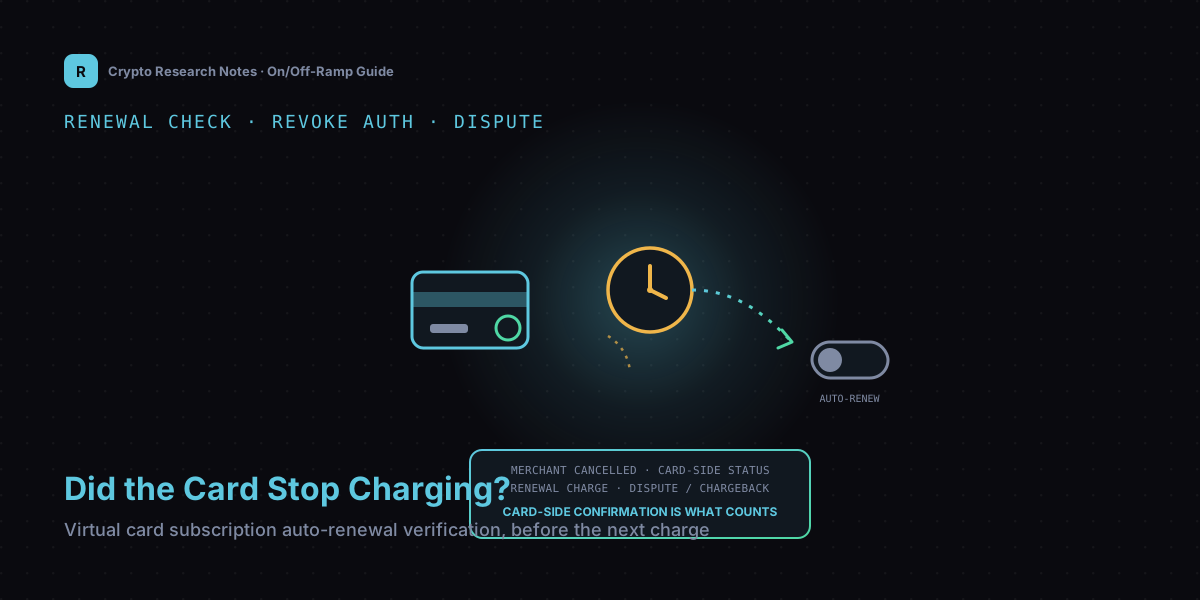
1. Merchant "Cancelled" and Card-Side "Charge Authorization" Are Not the Same Thing
Subscription services usually keep two separate records: the merchant's own user state — "active," "cancelled," "pending renewal" — and the recurring-charge authorization held on the card network side, the permission you granted the merchant at signup to pull payment on a schedule from that card. In theory these stay in sync. In practice they frequently drift apart or never reconnect at all — a merchant's backend may lag its processing queue, hit an internal bug, or simply mark "cancel" as taking effect next cycle instead of immediately, so the dashboard shows "cancelled" while the revoke instruction to the card network was never sent, or was sent but never processed correctly on the card side.
For someone paying with a real bank card, this kind of drift is usually caught by the bank's own risk controls as a backstop. For a stablecoin-funded virtual card, many platforms' risk rules and dispute channels don't map cleanly onto traditional bank-card protections, and once a charge lands, the path to recovering it can be longer and less certain. That's exactly why "the merchant says it's cancelled" cannot be your final answer — you need to verify independently on the card side.
2. Verifying the Real Auto-Renewal State in the Card's Own Billing and Authorization Records
Most virtual card management dashboards expose a separate "merchant authorizations" or "recurring charges" list, distinct from the plain transaction history — the transaction list shows charges that already happened, while the authorization list shows which merchants still hold permission to charge this card in the future. That authorization list, not the toggle on the merchant's own page, is the information that actually tells you whether auto-renewal will happen. Check three things: whether the merchant still appears in the authorization list at all; whether the next projected charge amount and date next to that entry line up with the subscription cycle you remember; and the exact wording of the status field — "active" versus "revoked" — since different platforms phrase this differently, so read the actual status rather than guessing from context.
If the card's dashboard offers nothing at this level and only shows historical transactions, that's a sign the card itself lacks the verification capability you need. Rather than passively accepting whatever gets charged later, contact the card issuer directly to ask whether a separate authorization lookup exists, or move subscriptions that need frequent renewal checks to a card that supports this.
3. Confirming the Card-Side Charge Authorization Was Actually Revoked After Cancelling
After completing the cancellation on the merchant side, don't assume it's settled immediately — give the systems a reasonable sync window, typically a few hours to a day or two — then go back to the authorization list from Section 2 and recheck: has the merchant's entry disappeared entirely, does it now show "revoked" while the entry itself remains, or is the entry completely unchanged aside from the merchant adding a note that says "cancellation request submitted"? That third case deserves particular suspicion — it means the card-side authorization hasn't actually changed at all, and the merchant's "cancel" action may have only flipped an internal flag without ever reaching the card network layer.
A safer habit is to record the timestamp and confirmation screenshot of the cancellation itself, alongside a screenshot of the authorization status you rechecked. Keep both. If a stray charge does happen later, you'll have a complete evidence chain — "I cancelled at this time, and the card side showed revoked at that time" — which directly affects how fast and how favorably the next step, disputing the charge, gets resolved.
4. If a Charge Still Goes Through: How a Virtual Card's Dispute Process Differs From a Bank Card's
Ordinary bank cardholders have fairly mature protections — most jurisdictions require the issuing bank to process a chargeback within a fixed window, and the disputed amount is often provisionally refunded to the cardholder while it's investigated. Virtual cards are more layered: if the card rides on a mainstream network like Visa or Mastercard, that network's chargeback rules should in principle apply, but how strictly they're enforced depends heavily on the issuing platform's own support responsiveness and internal process — many platforms don't operate under the same mandatory timelines as a bank. If the virtual card runs on a more niche, self-built settlement system, the dispute mechanism may be entirely the platform's own invention, sometimes without any publicly documented standard process at all.
Once you spot a stray charge, first locate the exact transaction in the platform's billing detail to confirm the merchant and amount, then file a chargeback or dispute through the platform's process, attaching the cancellation proof and authorization-revocation screenshots from Section 3. If there's no clear dispute channel in the app, contact support directly, explain the situation, and ask for a written status update. Throughout, avoid relying only on verbal communication — keep every written record and ticket number, since that's the only evidence you'll have if you need to escalate further or seek help through another channel.
5. Verifying Renewal Status on a Platform Like RDVCC
Putting the checks above into practice requires a virtual card management tool that separates "authorization records" from "transaction history" by design, and lets you look up a merchant's recurring-charge authorization status at any time, rather than offering only a generic transaction log. RDVCC is one example of this category — the platform describes itself as a virtual card issuing platform, positioning itself around licensed upstream issuance, support for mainstream card networks such as Visa virtual cards, and the ability to top up a card with USDT, which in principle could be used to manage recurring charges from research-tool or cloud-service subscriptions and check merchant authorization status. To be clear, the description above is drawn solely from the platform's own self-reported information — please verify whether it actually offers a separate authorization lookup, its real dispute-handling timelines, and the real-world experience against the provider's latest official disclosures and your own testing; this article offers no endorsement or guarantee whatsoever. Any use of a virtual card paired with stablecoins must serve a genuine, compliant spending purpose and follow the relevant platform's terms and your local laws — never for cashing out, money laundering, or evading regional restrictions.
Whichever platform you use to manage subscriptions, the core principle doesn't change: after cancelling, confirm the result on the card side, not the merchant side. That step cannot be skipped.
6. Setting a Per-Transaction or Cycle Spending Cap as a Backstop
No matter how careful the verification process, it can't fully rule out a merchant system error or a delayed sync on the card side — so it's safer to add a hard limit at the source as well. Most virtual cards support setting either a per-transaction limit or a cumulative spending cap over a given period. Set that cap just above your normal total subscription spend: it covers legitimate routine charges while letting the system directly block an unusually large or unusually frequent charge, without requiring you to watch the billing page constantly. For a subscription you've decided to cancel for good, going further than clicking "cancel" on the merchant side — setting a limit clearly below that subscription's price on this specific card, or simply freezing or closing a card dedicated to that subscription — physically cuts off the possibility of a charge, which is more reliable than trusting anyone's "cancelled" notice.
7. Summary and a Renewal Verification Checklist
- Don't rely on the merchant dashboard's cancellation notice alone — check the virtual card's own authorization list for whether that merchant still holds a recurring-charge permission.
- After cancelling, allow a sync window, then recheck whether the authorization entry disappeared, shows revoked, or is completely unchanged.
- Keep a timestamp, cancellation confirmation screenshot, and the authorization-list recheck screenshot together as an evidence chain for a potential dispute.
- If a stray charge shows up, locate the exact transaction first, then file a dispute through the platform's process with evidence attached, and avoid relying only on verbal communication.
- Understand which card network's dispute rules apply to this card, and the issuing platform's own dispute timelines and process.
- For subscriptions no longer needed long-term, set a low cap on that card or freeze it outright as a final hard backstop.
A few common questions: if the merchant dashboard says "cancelled," is that the end of it? No — it's only truly settled once the card-side authorization list also confirms revocation. If a spending cap is set, is the verification step unnecessary? A cap is a backstop, not a substitute for verification — use both together. Do dispute timelines vary a lot between virtual card platforms? Yes — platforms backed by a mainstream card network usually reference that network's chargeback rules, but actual processing speed still depends on the issuing platform's own support efficiency, so check the specific platform's terms. This piece is shared purely for learning and research purposes and is not investment advice; crypto assets and virtual card payments both carry operational and compliance risk, so make your own judgment and take responsibility for your own decisions.